 Sound Booster Max
Free volume booster extension for Chrome: Make quiet browser tabs louder.
Sound Booster Max is a free sound booster extension for Chrome. It raises the volume of videos, calls and music playing in a browser tab, up to 600% of Chrome's normal level.
Install it on your computer. Chrome on phones doesn't run extensions. Copy the link and open it in desktop Chrome.
- Rated 4.6 · 61 ratings
- 30,000 users
- Version 2.2
Source: Chrome Web Store. Free, opens the store listing.
4.6 out of 5 · 61 ratings · 30,000 users · v2.2Source: Chrome Web Store
What Sound Booster Max does
Raises tab volume
Boosts sound playing in a web page above Chrome's normal maximum, up to 600% of the original level.
One simple slider
Click the green icon in your toolbar and drag the slider in the small control window that opens.
For video, calls and music
Use it on video sites, browser-based meetings and web music or podcast players.
Small and free
A 248 KB extension, free to install from the Chrome Web Store. No account needed.
Browser audio only. It changes sound inside Chrome tabs. Your computer's system volume and other apps aren't affected. More on website volume vs system volume.
Desktop Chrome. Chrome on phones doesn't run extensions, so install it on your computer.
The control window stays open. Clicking the icon opens a small control window for that tab. The boost applies while that window is open, and closing it returns the tab to its normal volume.
How to add the extension to Chrome
Open the Chrome Web Store listingJust installed it? Start at step 2. If Sound Booster Max works for you, a rating on the Chrome Web Store helps other people find it.
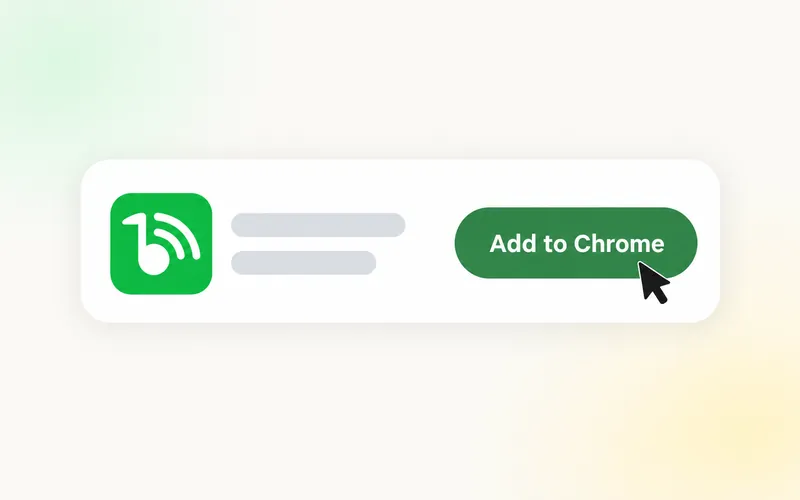
Add from the Chrome Web Store
Open the Sound Booster Max listing, select Add to Chrome, then Add extension.
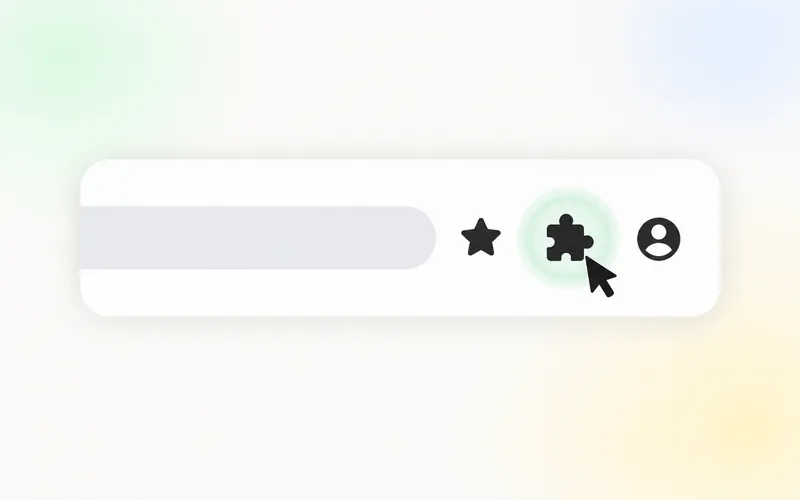
Click Extensions icon
Select the puzzle-piece icon at the top right of Chrome.
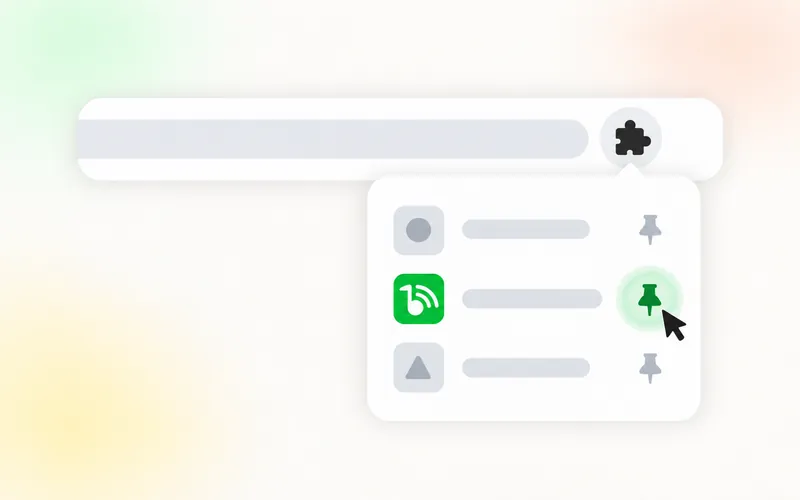
Pin the extension
Select the pin next to Sound Booster Max so the green icon stays in your toolbar.
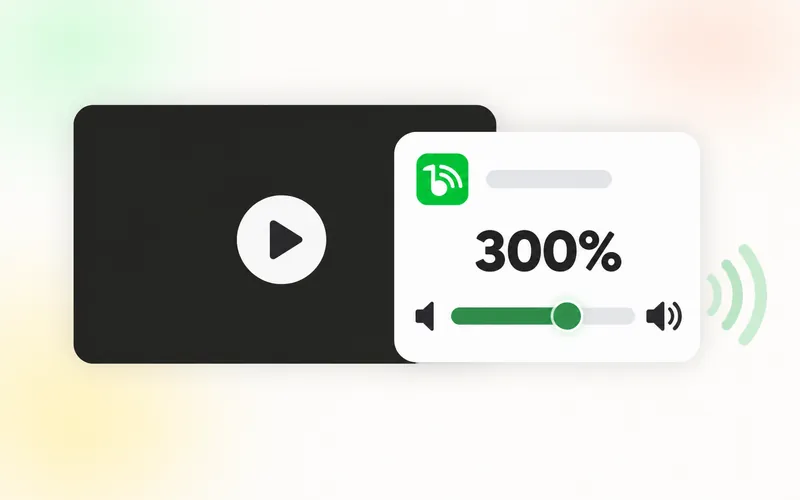
Start boosting audio
Play something in a tab and click the green icon. Raise the slider in the window that opens, a little at a time.
Where it helps
Video streaming
Dialogue that's too quiet in films, lectures and uploads recorded at low volume. Netflix, Twitch and Disney+ volume guide
Video conferencing
Browser-based meetings where one person is hard to hear. Clearer speech in Chrome
Music & podcasts
Web players on laptop speakers that top out too early. How to make Spotify louder
Is this the best volume booster extension for you?
It depends on what you need. Sound Booster Max does one job, so here is where it fits and where another tool will serve you better.
A good fit if you want
- One slider that makes a quiet Chrome tab louder, up to 600%
- A separate level for each tab, from 0% to 600%
- Something for desktop Chrome on Windows, Mac, Linux or a Chromebook
- A free extension with no account or subscription
Look elsewhere if you need
- An equalizer, bass boost or other tone controls: see the types of sound extension
- Louder sound from games or desktop apps: see volume boosters for PC
- A booster for a phone or tablet, where Chrome extensions do not run
- Automatic levelling of loud and quiet passages
Ratings and reviews
Rated 4.6 out of 5 from 61 ratings on the Chrome Web Store.
Erian San
★★★★★
“Works perfect also a bonus that shows what tabs are playing sound…”
Joey Villarreal
★★★★★
“Does what it says. Super easy to install.”
Allama Fateh M Mazaheri
★★★★★
“very good app i havenot seen before it”
Reviews from the Chrome Web Store, shown as written.
From the help library
Browse all 14 guides A Simple Volume Booster Extension for Chrome: One Slider, Up to 600%
A simple volume booster should do one job: make a quiet browser tab louder with a single slider. Here is what that looks like and how to set it up in a minute.
3 min read ·
 How to Make Chrome Louder With a Volume Booster Extension
When Chrome and your computer are both at 100% and the sound is still too quiet, a volume booster extension is the tool that goes further. Here is how to use one properly.
3 min read ·
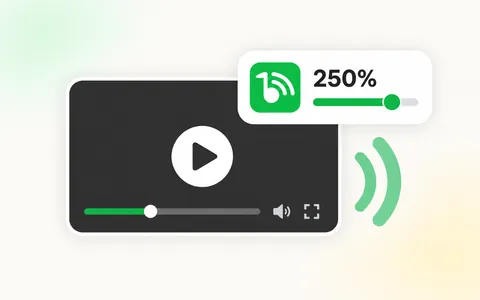 YouTube Volume Booster: How to Make YouTube Louder in Chrome
Some YouTube videos stay quiet even with the player and your computer at full volume. Here are the settings to check and how a YouTube volume booster takes you past 100%.
3 min read ·
 Is a Volume Booster Extension Safe? How It Works and What to Watch
A volume booster extension is safe to use when it comes from a trustworthy source and you keep the level sensible. Here is how it works and where the real risks are.
4 min read ·
Frequently asked questions
Sound Booster Max takes the audio playing in a Chrome tab and multiplies its level, so the tab can play louder than the browser's normal maximum. Other tabs, other apps and your computer's system volume stay as they are.
For audio, Sound Booster Max does one thing: it changes the level of sound in the tab you use it on. Raise it gradually, because very loud sound is uncomfortable for your ears and heavy distortion is hard on small laptop speakers. Separately, when anonymous usage data is switched on, the extension sends the addresses of pages you visit, with a random ID, for analytics. You can switch that off in its settings. See is a volume booster extension safe? and the privacy policy.
Select Add to Chrome on this page and confirm on the Chrome Web Store. Pin the green Sound Booster Max icon, play something in a tab and click the icon. A small control window opens: drag its slider. 100% is the tab's normal volume. Keep the window open while you listen. The full walk-through is in how to make Chrome louder.
Sound Booster Max raises a tab up to 600% of its normal level, which is six times the original signal. Above 400% the slider shows a quality-warning zone, because audio that is already loud can start to distort there.
Lower the Sound Booster Max slider. Distortion is more likely at high levels and with audio that is already loud. Setting your computer's volume to a comfortable level first, then boosting from there, usually helps. Our guide explains how to get louder than max without distortion.
Sound Booster Max works on most sites that play audio in a Chrome tab, including video, music and call sites. A few protected players may behave differently, and apps installed outside the browser are not affected. See the YouTube volume booster guide and the guide for Netflix, Twitch and other streaming sites.
Yes. Sound Booster Max works wherever desktop Chrome runs: Windows PCs, Macs, Linux computers and Chromebooks. It boosts sound inside Chrome tabs only, so your system volume and other apps stay as they are. It does not work on phones or tablets, because Chrome there doesn't run extensions. See how to make a Chromebook louder and volume boosters for PC.
Yes. Sound Booster Max is free to install from the Chrome Web Store, with no account or subscription.
Still need help?
Email volumeboosterplusaddon@gmail.com or search the help library.