 Sound Booster Max
Volume Booster for PC: What Works in the Browser and What Needs Software
 Swasthik Raj
- Updated
- 3 min read
The right volume booster for a PC depends on where the quiet sound is. If it plays in Chrome, such as YouTube, Netflix or a web call, a free extension like Sound Booster Max raises that tab up to 600% with nothing else to install. If it comes from a desktop app or a game, you need Windows' own sound settings or system-wide audio software, because a browser extension cannot reach it.
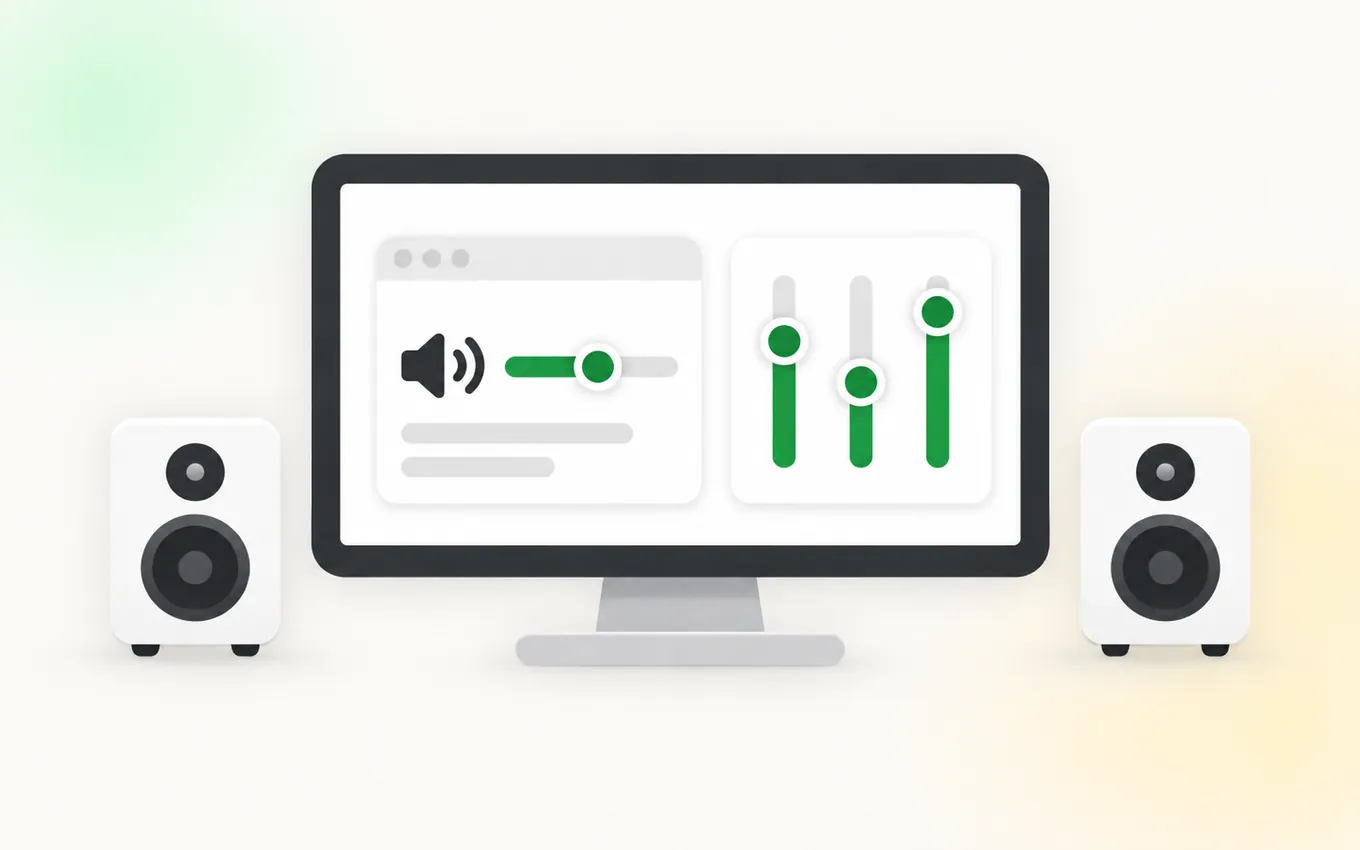
"Volume booster for PC" can mean two different things, and download sites rarely explain the difference. One kind boosts sound inside your web browser. The other changes sound for the whole computer. They are installed differently and solve different problems.
First, find where the quiet sound comes from
- In a browser tab. Video sites, web music players, online courses and meetings that run in Chrome.
- In a desktop app. A media player, a game, or a meeting app installed on the PC.
- Everywhere. If everything is quiet, the cause is usually a setting or the speakers themselves. On a laptop, start with the laptop volume booster guide.
Boosting browser audio on a PC
For sound in Chrome, a free volume booster extension is the simplest booster. There is no installer and no administrator permission needed.
- Open the Sound Booster Max listing in Chrome and select Add to Chrome.
- Pin the green icon from the puzzle-piece Extensions menu.
- Play the quiet tab and click the green icon. A small control window opens.
- Raise the slider above 100%, up to 600% if you need it.
It works the same on Windows, Mac, Linux and Chromebooks, because it runs inside Chrome. It is about 248 KB and free.
Boosting system-wide sound on Windows
A browser extension cannot change sound from other programs. For those, start with what Windows already includes:
- Volume mixer. Right-click the speaker icon and open the volume mixer. Each app has its own level, and one may be set low. See website volume vs system volume.
- Audio enhancements. In Sound settings, open your output device's properties. Depending on the audio driver, there may be an enhancement or "Loudness Equalization" option that raises quiet sounds.
- The app's own volume. Media players and games usually have a separate volume control, and some players can amplify above 100% themselves.
If that is not enough, system-wide equalizer and booster programs exist for Windows. Download them only from the developer's own site or the Microsoft Store, and read what they install.
A note on "volume booster download" sites
Searches for a free volume booster download for PC lead to many pages that bundle unrelated software. A few rules keep you safe:
- Prefer official stores: the Chrome Web Store for extensions, the Microsoft Store or the developer's site for desktop software.
- Avoid installers that ask to add toolbars or change your browser's search engine.
- Check the listing's reviews, user count and last update date.
On a phone or tablet?
Chrome extensions do not run on phones, so Sound Booster Max is not available as an Android or iPhone app or as an APK. If you found this page on your phone, copy the link from the home page and open it on your computer.
Which should you use?
| Where the sound is | Use |
|---|---|
| YouTube, streaming sites, web players | Chrome extension |
| Browser-based calls | Chrome extension |
| Desktop media player or game | Windows settings or the app's own volume |
| Everything, all the time | Check settings, then consider external speakers |
Frequently asked questions
Is there a free volume booster for PC?
For browser audio, yes: Sound Booster Max is free. For system-wide audio, Windows' built-in settings are free, and third-party tools vary.
Does a volume booster for PC work on Windows 10 and 11?
A Chrome extension works on any version of Windows that runs current Chrome.
Can a PC volume booster damage my speakers?
Boosting a quiet tab to a normal level will not. Long periods of heavily distorted sound at high volume can stress small speakers, so lower the level when it crackles. See is a volume booster extension safe?